

Introduction
Are you a Class 9, 10, 11, or 12 student in Nepal preparing for SEE or NEB exams? Do you struggle to find enough quality practice questions for Science, Math, Physics, Chemistry, or Biology?
Hupen.com.np has launched a powerful free AI-powered MCQ Generator at hupen.com.np/practice/generate-mcq that lets you create unlimited custom multiple-choice questions instantly, perfectly aligned with the Nepali curriculum.
In this comprehensive guide, we’ll explore everything about this game-changing feature, why it’s perfect for Nepali students, and a detailed step-by-step tutorial to help you maximize your exam preparation.
Why MCQ Practice is Crucial for SEE and NEB Success in Nepal
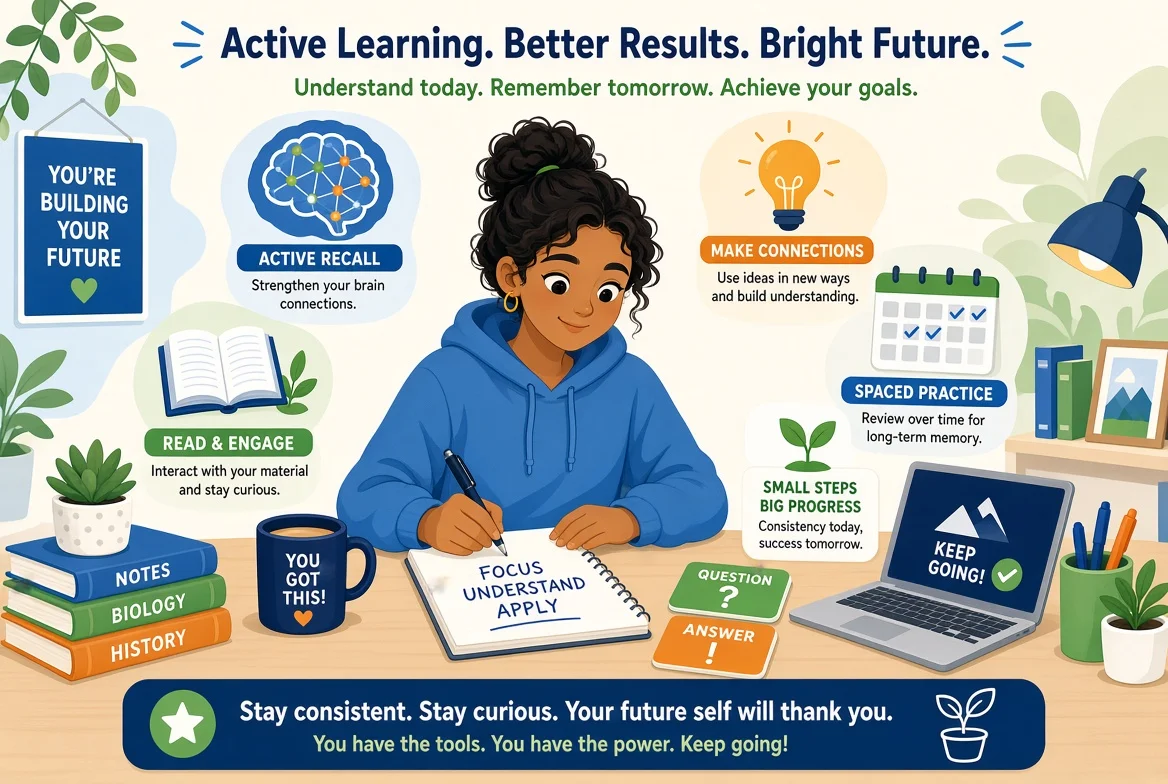
Multiple Choice Questions (MCQs) form a significant portion of SEE and NEB exams. Regular practice helps you:
- Master key concepts quickly
- Improve speed and accuracy under time pressure
- Identify weak areas through instant feedback
- Build confidence before the actual board exams
Traditional textbooks and notes often lack enough varied MCQs. That’s where Hupen’s AI tool shines — it generates fresh, high-quality questions tailored to specific chapters on demand.
What is Hupen.com.np?
Hupen is Nepal’s leading 100% free online learning platform focused on STEM education (Science, Technology, Engineering, Mathematics). It offers:
- Complete video courses
- Notes and books
- Quizzes
- Now, an advanced AI MCQ Generator for Classes 9–12
The platform is made in Nepal, designed specifically for Nepali students following the NEB and SEE syllabus.
Key Features of Hupen’s Generate MCQ Tool
- Instant AI Generation: Questions created in seconds using AI
- Curriculum Aligned: Strictly follows Nepal’s NEB & SEE syllabus
- Subject Coverage: Physics, Chemistry, Biology, Mathematics
- Customizable: Choose course, chapter, and number of questions (5, 10, 15, 20+)
- Smart Analytics: Instant feedback and performance tracking
- Completely Free: No hidden charges, unlimited use
- Mobile Friendly: Practice anytime, anywhere
Step-by-Step Tutorial: How to Generate MCQs on Hupen.com.np
Follow these simple steps to start practicing right away:
Step 1: Visit the MCQ Generator Page
- Go to your browser and open Generate MCQ
- No login is required for basic use, but creating a free account helps track your progress.
Step 2: Choose Your Course
- You’ll see a clean interface with steps: 1. Course → 2. Configure → 3. Generate
- Select your class and subject (e.g., Class 10 Science, Class 12 Physics, etc.)
- The tool supports major NEB/SEE streams.
Step 3: Select the Chapter
- After choosing the course, browse and select the specific chapter you want to practice.
- This ensures questions are highly relevant to what you’re currently studying.
Step 4: Configure Number of Questions
- Choose how many MCQs you want: 5, 10, 15, or 20 (MAX: 50).
- For quick revision, start with 5–10. For full chapter tests, go for 20.
Step 5: Click “Generate Now”
- Hit the Generate button.
- Wait a few seconds while the AI processes your request (it shows a loading indicator).
Step 6: Take the Quiz
- Answer the generated MCQs.
- Submit to get instant results with correct answers and explanations.
Step 7: Review Performance
- Check your score.
- Review weak areas.
- Generate new sets for the same or different chapters to reinforce learning.
Pro Tip: Repeat the process for different chapters to create mixed topic tests, simulating real exam conditions.
Benefits for Nepali Students
- Saves Time: No need to search for practice questions across multiple books or websites.
- Personalized Learning: Focus on exactly the chapters you need.
- Exam-Oriented: Questions match the style and difficulty of actual SEE/NEB papers.
- Accessible Education: Perfect for students in rural areas with limited resources.
- Boosts Confidence: Regular practice leads to better performance — users report significant improvement.
Comparison with Traditional MCQ Practice
| Aspect | Traditional Books/Notes | Hupen AI MCQ Generator |
|---|---|---|
| Availability | Limited | Unlimited |
| Customization | Fixed | Chapter-specific |
| Speed | Slow | Instant |
| Cost | May need to buy | Completely Free |
| Feedback | Manual | Instant Analytics |
| Alignment | General | NEB/SEE Specific |
Best Practices for Maximum Results
- Daily Practice: Generate and solve at least 20–30 MCQs every day.
- Topic-wise Revision: Focus on one weak chapter at a time.
- Timed Tests: Practice under exam-like time conditions.
- Track Progress: Use the analytics to monitor improvement over time.
- Combine with Videos: Watch Hupen’s free video lessons for the same chapter before practicing MCQs.
- Group Study: Share generated quizzes with friends for collaborative learning.
Who Should Use This Tool?
- SEE students (Class 10) preparing for board exams
- Class 11 & 12 NEB students
- Students appearing for entrance exams after SEE
- Teachers looking for quick question banks
- Anyone wanting to strengthen STEM concepts
Conclusion: Level Up Your Preparation Today
Hupen’s AI MCQ Generator is a revolutionary tool for Nepali students. It removes the biggest barrier in exam preparation — lack of quality practice questions — and makes learning more effective, engaging, and accessible.
Don’t just read theory. Practice actively with this powerful feature.
Ready to start?
👉 Generate Your First MCQ Set Now
Bookmark this page and share it with your classmates. Consistent practice with the right tools is the key to academic success in Nepal’s competitive education system.
Happy Learning!
Jai Nepal, Jai Education.
Frequently Asked Questions (FAQ)
Q1. Is Hupen MCQ Generator really free?
Yes, 100% free with no limits.
Q2. Which classes and subjects are supported?
Primarily Classes 9–12: Physics, Chemistry, Biology, and Mathematics.
Q3. Do I need to create an account?
Basic generation works without login, but account recommended for progress tracking.
Q4. Are questions aligned with current syllabus?
Yes, fully aligned with latest NEB and SEE curriculum.
Q5. Can teachers use this tool?
Absolutely! Great for creating quick assessments and classroom quizzes.
Join the Conversation
0 Comments
Log in to join the discussion
No comments yet
Be the first to share your thoughts!